Read the scene.
Start with a supplied frame and its written cue. Consider what the line needs to say, and where the thought begins.
CHOOSE A CUEGive every line its moment. Shape a caption, find its rhythm, and take your words with you.
Open the caption studio Supplied sample frames.
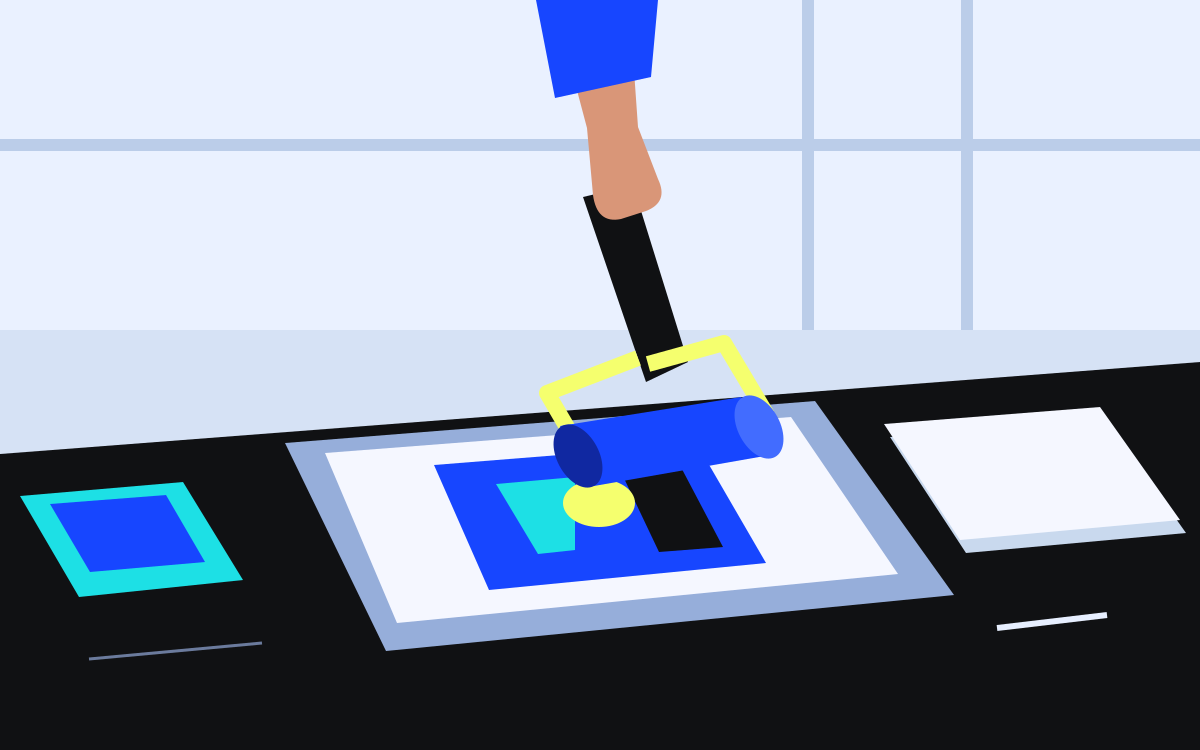
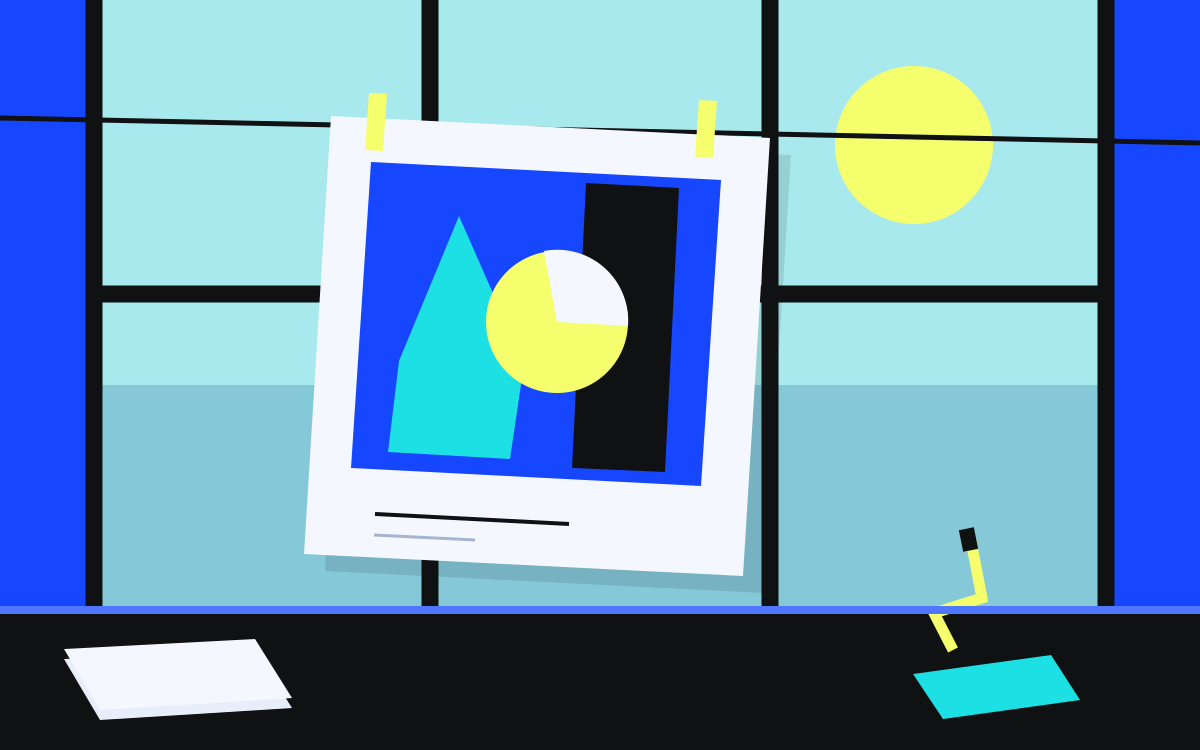
A small printmaking story, ready for your edit. Choose a cue, adjust its text and timing, then download the words.
Styles change this preview. SRT exports text and timing only.
Editing becomes available when JavaScript is ready.
A line break gives a thought its shape. A solid backing gives it a little breathing room.
Every shape starts with a small decision.
An illustrative design comparison. Check your final captions against the actual footage, pace and viewing size.
Start with a supplied frame and its written cue. Consider what the line needs to say, and where the thought begins.
CHOOSE A CUEMake the words your own. Adjust the line break, start and end times. Preview a treatment without losing your draft.
MAKE THE EDITDownload the validated cues as an SRT file. Open it in your editor and check the timing against your own media.
KEEP YOUR WORDSThree simple treatments for the same line. Select one in the studio to see it with your own words.
Try a treatmentLet the work
speak for itself.
Quiet white type. A dark backing keeps the picture from getting in the way.
Let the work
speak for itself.
A blue panel and a firm typographic voice. Give the whole thought a place.
Let the work
speak for itself.
A clean cyan backing. A little more emphasis, with the same words.
A caption has a job to do. Give it room, contrast and a clear beginning and end.
No account. No upload. No background processing. This demo keeps your draft in page memory.
Plain SRT text, with the timing and lines you wrote. No visual styles or hidden promises in the export.
Small print, in a readable size.
No. CAPTION LAB is a fictional product demo. You edit supplied written cues against three original still illustrations. There is no audio, video, upload or AI processing.
Your current caption text and validated timecodes, in cue order. SRT does not carry the colors, typeface or illustrated frames shown here. Import the file into your own editor and apply visual styling there.
Use HH:MM:SS,mmm, such as 00:00:03,600. A cue must end after it starts. Cues cannot overlap and must remain in order. The editor allows times from 00:00:00,000 through 23:59:59,999.
No. Edits live only in this page’s memory. Download your SRT before leaving, refreshing or resetting. The local project note is also temporary and is never submitted.
Yes, the three original printmaking illustrations are supplied with this template. They are fictional sample frames, not client footage. Asset provenance and the complete licenses for both local fonts are included with the source.
A thought worth keeping in view. Prepare a local project note around the caption you’re working on.
Nothing is sent, stored or submitted. Keep anything you need before leaving.
The local note becomes available when JavaScript is ready.